


GSmartControl for Windows on DVD – Hard Drive and SSD Health Check
Version 2.0.2
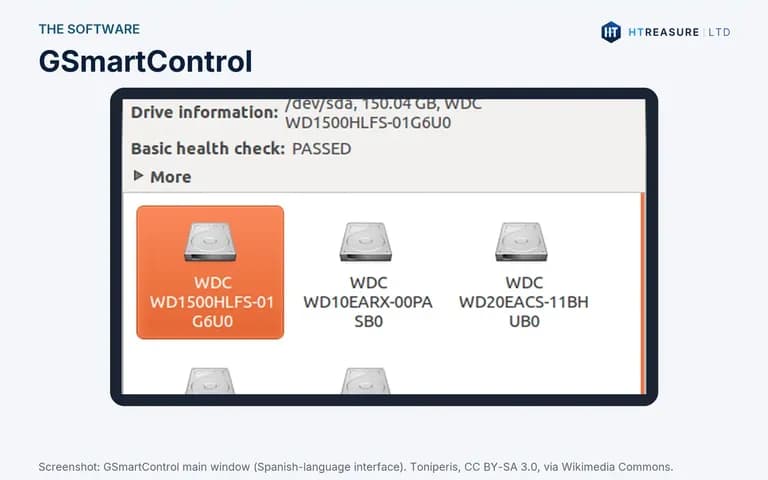
GSmartControl, the free open-source drive health tool, on a Windows installation DVD. Reads the SMART data of hard drives and SSDs and runs self-tests, so you spot failing drives early.
Screenshots
Overview
Find out whether a hard drive or SSD is failing before you lose your files. GSmartControl is a free, open-source program by Alexander Shaduri that shows the SMART health information that drives record about themselves. This listing is the GSmartControl 2.0.2 installer for Windows on a DVD.
It reads each drive's SMART attributes, shows warnings in plain colours, and can run the drive's own short and extended self-tests.
Why buy it from HTREASURE LTD
- Ready when it arrives: no large download, and no need to make a bootable drive yourself
- Prepared from the official release: written from the project's own download, so you get the genuine software, unchanged
- Trusted on eBay: our eBay shop, tech-htreasure, holds 98.9% positive feedback from 255 ratings (November 2026)
- A real UK company: HTREASURE LTD is registered in England and Wales (company number 17178941) and posts from Cheshire
- Help if it will not start: email us with your computer model and we will talk you through the boot menu
- 14 days to change your mind: most orders can be cancelled within 14 days of delivery under our Refund and Returns Policy
What you can do with it
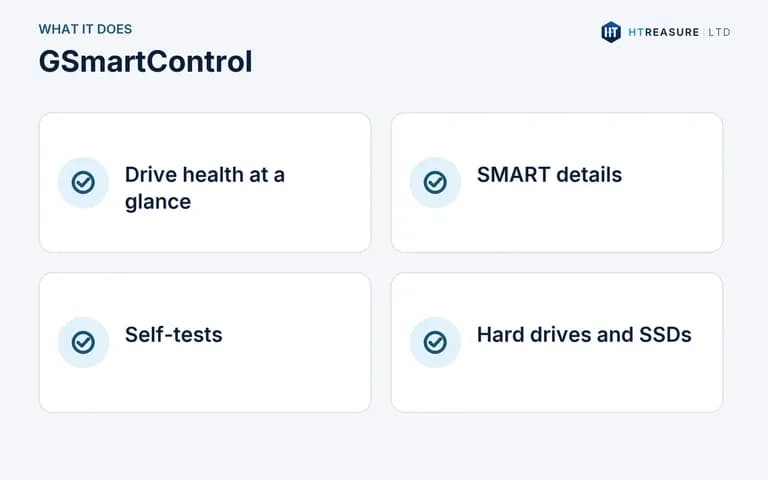
- Check the overall health of hard drives and SSDs
- See SMART attributes and error logs
- Run the drive's short and extended self-tests
- Check a second-hand drive before you trust it
What you receive
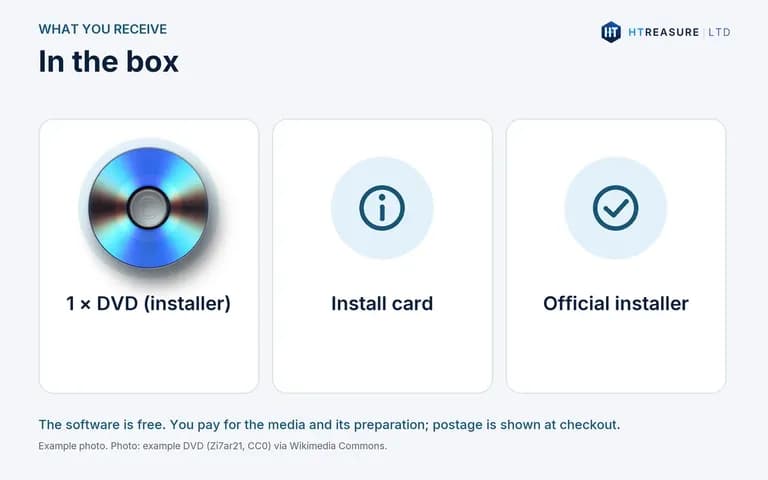
- One DVD (not bootable: you install the program from it inside Windows)
- The GSmartControl 2.0.2 64-bit installer (including smartctl), taken from the official gsmartcontrol.shaduri.dev download
- A printed card with installation steps
Pictures are illustrations or credited screenshots, not photographs of the item you receive.
System requirements
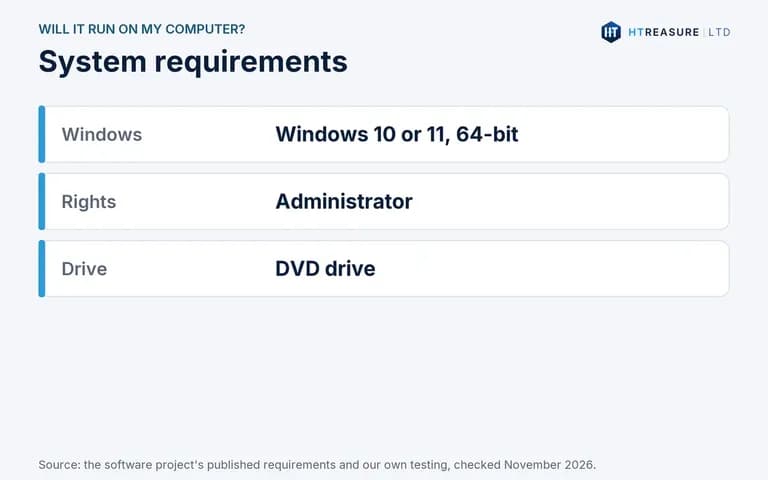
- Windows 10 or Windows 11 (64-bit)
- Administrator rights
- A DVD drive (a CD-only drive cannot read it)
How to install
1. Insert the DVD and open it in File Explorer. 2. Run the installer and follow the steps. Windows may ask for administrator permission. 3. Open GSmartControl, double-click a drive and read the health summary.
Important limitations
- A 'passed' result does not guarantee a drive will not fail; keep backups.
- Some USB enclosures and RAID controllers hide SMART data.
- GSmartControl reports problems; it does not repair drives.
Licensing
GSmartControl is free and open-source software under the GNU General Public License version 3 and is free to download from gsmartcontrol.shaduri.dev. You are not charged for the software. The price covers the USB drive or disc and our work preparing it; postage is shown at checkout. HTREASURE LTD is not affiliated with or endorsed by the GSmartControl project.
Source code: the source code for the open-source software on this media is published by its authors at github.com/ashaduri/gsmartcontrol. HTREASURE LTD will also supply the complete corresponding source code on request, on a DVD or by download link, for at least three years after we last sold this item, charging no more than the cost of the media and postage. Contact us to ask for it.
Frequently asked questions
Does it work with SSDs?
Yes, it reads SMART data from SATA and NVMe SSDs that report it.
Is the DVD bootable?
No. You install it inside Windows.
Delivery, returns and licence
Delivery charges and times are shown at checkout and in our Delivery and Shipping Information. You can return the item under our Refund and Returns Policy; our Terms of Sale apply to every order. The software on the media is licensed by its own authors, not by HTREASURE LTD: see Licensing below.
Help and support
If the media does not start or you are not sure which edition suits your computer, contact us or email support [ @ ] htreasure.com with your order number and computer model.
Features
Drive health at a glance
Clear pass or warning.
SMART details
Attributes and error logs.
Self-tests
Short and extended tests.
Hard drives and SSDs
SATA and NVMe.