

Puppy Linux 64-Bit Bootable DVD – Tiny Linux That Runs From Memory
Version TrixiePup64 11
Puppy Linux, a tiny Linux that loads into memory and runs quickly even on old computers, on a bootable 64-bit DVD. Use it live or install it.
Screenshots
Overview
A complete desktop small enough to load into memory, so even old computers feel quick. Puppy Linux is a family of small, free Linux systems built by the Puppy Linux community. This listing is a 64-bit Puppy Linux DVD (TrixiePup64, based on Debian 13).
Puppy loads itself into the computer's memory when it starts, so it keeps running quickly after the DVD has finished loading. You can save your settings to a drive and carry on where you left off.
Why buy it from HTREASURE LTD
- Ready when it arrives: no large download, and no need to make a bootable drive yourself
- Prepared from the official release: written from the project's own download, so you get the genuine software, unchanged
- Trusted on eBay: our eBay shop, tech-htreasure, holds 98.9% positive feedback from 255 ratings (November 2026)
- A real UK company: HTREASURE LTD is registered in England and Wales (company number 17178941) and posts from Cheshire
- Help if it will not start: email us with your computer model and we will talk you through the boot menu
- 14 days to change your mind: most orders can be cancelled within 14 days of delivery under our Refund and Returns Policy
What you can do with it
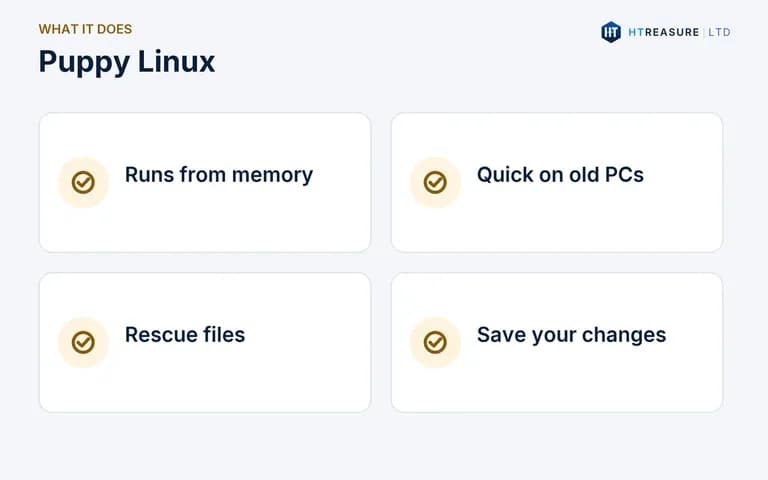
- Run a quick desktop on an old computer
- Rescue files from a computer that no longer starts its own system
- Use Puppy live, saving your changes to a drive
- Install it to a hard drive or USB drive
What you receive
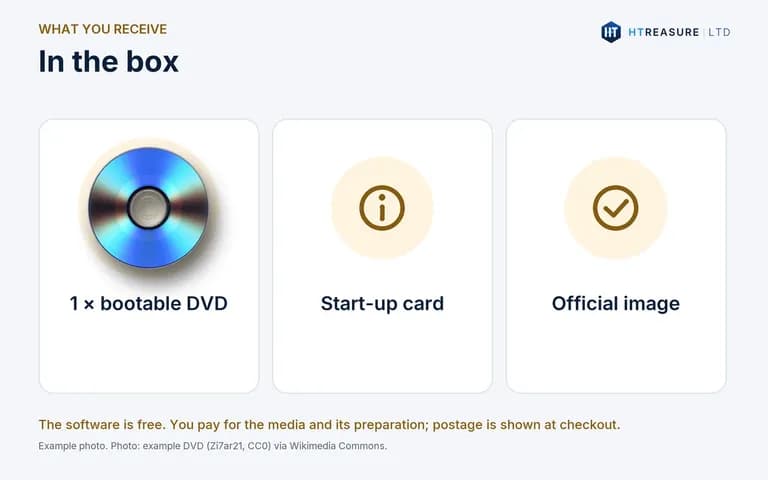
- One bootable DVD
- The 64-bit TrixiePup64 image, written from the official puppylinux-woof-ce.github.io download
- A printed card with start-up steps
USB drive brand and colour may differ from the pictures. Pictures are illustrations or credited screenshots, not photographs of the item you receive.
System requirements
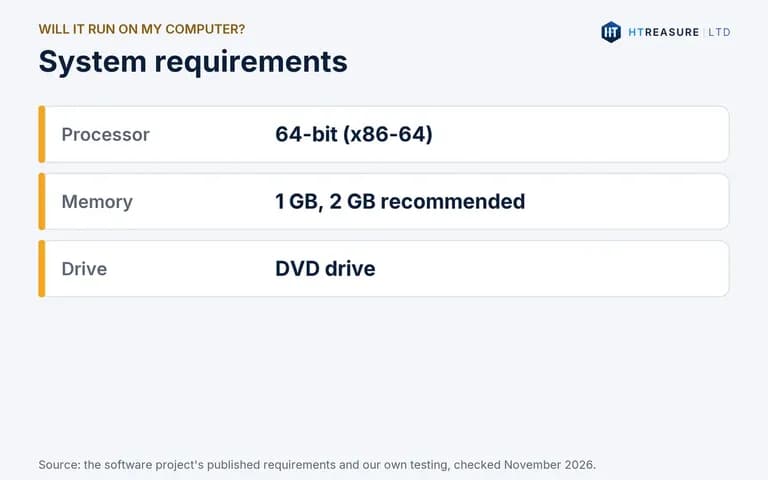
- 64-bit (x86-64) PC or laptop
- At least 1 GB of RAM (2 GB recommended)
- A DVD drive (a CD-only drive cannot read it), and a computer that can start from it
Memory figures are our guidance from preparing these discs.
How to start it
1. Insert the DVD and restart the computer. 2. Open the boot menu (often F12, F11, F9, Esc or Del, depending on the maker) and choose the DVD drive. 3. Puppy starts its desktop automatically. Follow the first-run steps to choose your language and keyboard.
Back up your files before installing. Installing an operating system can erase data if you choose to replace the existing system.
Important limitations
- Puppy works differently from mainstream systems: it runs from memory and saves changes to a 'save file' or folder.
- It is aimed at confident users and enthusiasts.
- Does not run on 32-bit-only computers (64-bit image supplied).
Licensing
Puppy Linux is made up of free and open-source software, mainly under the GNU General Public License, and is free to download from puppylinux-woof-ce.github.io. You are not charged for the software. The price covers the USB drive or disc and our work preparing it; postage is shown at checkout. HTREASURE LTD is not affiliated with or endorsed by the Puppy Linux project.
Source code: the source code for the open-source software on this media is published by its authors at github.com/puppylinux-woof-CE. HTREASURE LTD will also supply the complete corresponding source code on request, on a DVD or by download link, for at least three years after we last sold this item, charging no more than the cost of the media and postage. Contact us to ask for it.
Frequently asked questions
Can it rescue files from a broken Windows PC?
Often yes. Start Puppy from the DVD, open the Windows drive and copy files to a USB drive. It cannot repair a drive that has failed.
Which Puppy is it?
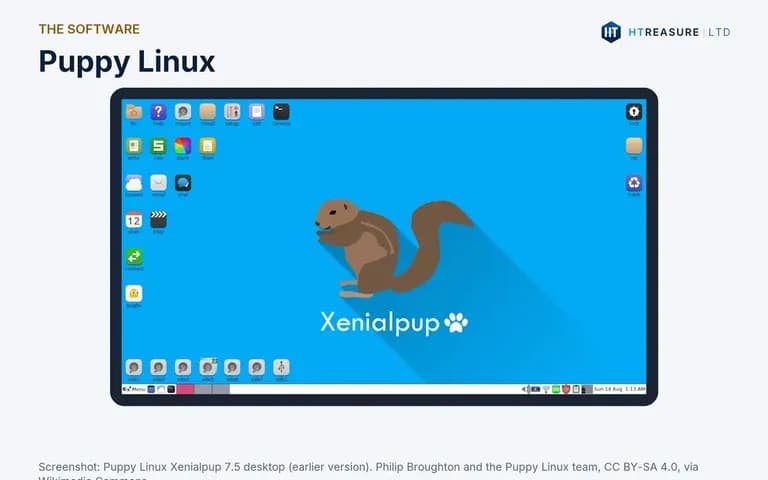
A 64-bit Puppy based on Debian 13 (TrixiePup64). The screenshot shows an older Puppy, Xenialpup 7.5.
Delivery, returns and licence
Delivery charges and times are shown at checkout and in our Delivery and Shipping Information. You can return the item under our Refund and Returns Policy; our Terms of Sale apply to every order. The software on the media is licensed by its own authors, not by HTREASURE LTD: see Licensing below.
Help and support
If the media does not start or you are not sure which edition suits your computer, contact us or email support [ @ ] htreasure.com with your order number and computer model.
Features
Runs from memory
Quick even on old computers.
Small and portable
Use it live and save your changes.
File rescue
Copy files off computers that will not start.
Debian 13 base
TrixiePup64.